


When litigation or independent medical exams depend on medical records, a single misstep can throw your strategy off course. HIPAA compliance isn’t optional, it’s the foundation that keeps patient data secure and your preparation defensible.
Here’s a practical checklist of essential do’s and critical don’ts to ensure every chronology meets HIPAA standards, plus how Dodon.ai builds compliance in from day one.
The Must-Do Checklist
1. Identify PHI clearly
Protected Health Information (PHI) includes names, birthdates, medical record numbers, contact information, diagnoses, treatments, and billing details. Every chronology should flag and handle PHI with appropriate care.
2. Apply the “minimum necessary” rule
Extract only the information required for the task, nothing extra. For instance, a damages chronology doesn’t need unrelated laboratory history.
3. Control access strictly
Limit files and chronologies to authorized personnel only, using secure logins and role-based permissions. No shared Dropbox links, no unprotected email attachments.
4. Encrypt everything
HIPAA mandates encrypted storage and transmission without exception. If your data isn’t encrypted, it isn’t compliant.
5. Keep detailed audit trails
Document who accessed which records, when, and why. Logs are your first line of defense during an audit.
6. Respect patient rights
Have clear procedures for handling access or amendment requests. Delays can quickly turn into compliance failures.
7. Train your team thoroughly
Everyone handling chronologies, paralegals, associates, or IME administrators, needs training on proper handling of both digital and paper files.
8. Audit regularly
Review workflows for compliance gaps before regulators find them. Internal audits should be routine, not reactive.
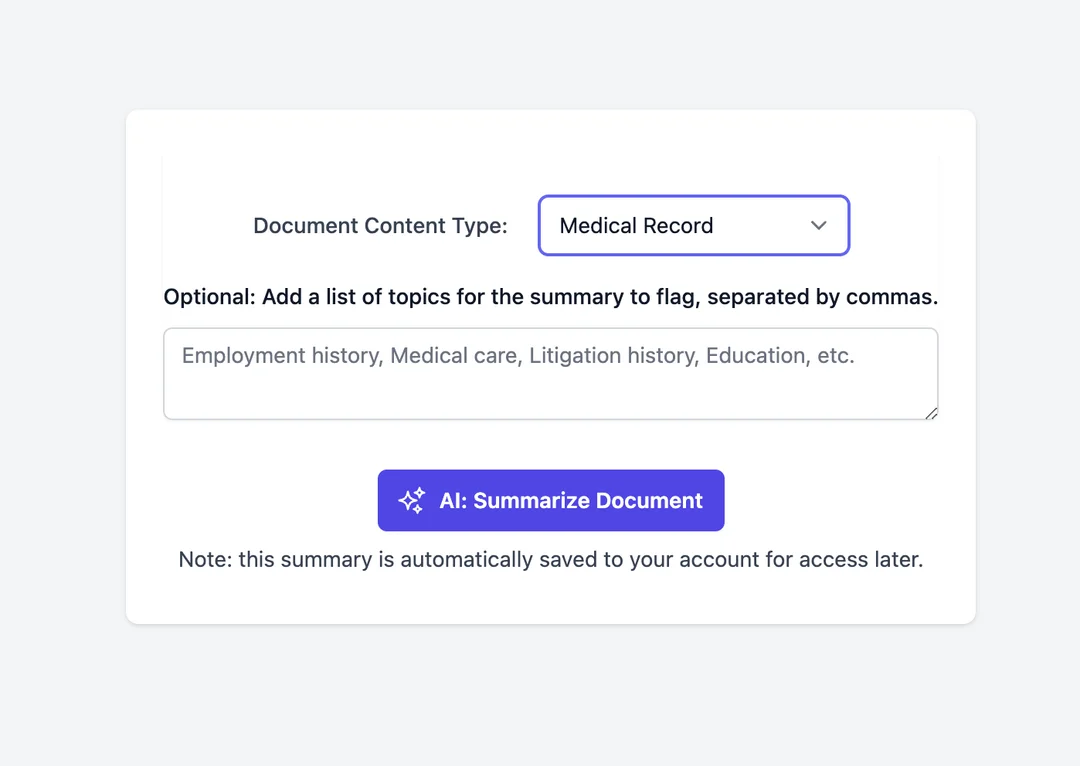
HIPAA Don’ts for Chronologies
- Don’t disclose beyond consent. Never share PHI unless specifically authorized.
- Don’t use unsecured personal devices. Phones and laptops must meet HIPAA standards before handling patient data.
- Don’t keep unencrypted copies. Even a single PDF saved locally can be a violation.
- Don’t ignore potential incidents. Suspected breaches must be reported, documented, and addressed immediately.
- Don’t skip access documentation. Missing logs can be as damaging as an actual breach.
Where Dodon.ai Fits In
Document automation doesn’t remove your compliance responsibilities, but it eliminates many common risks.
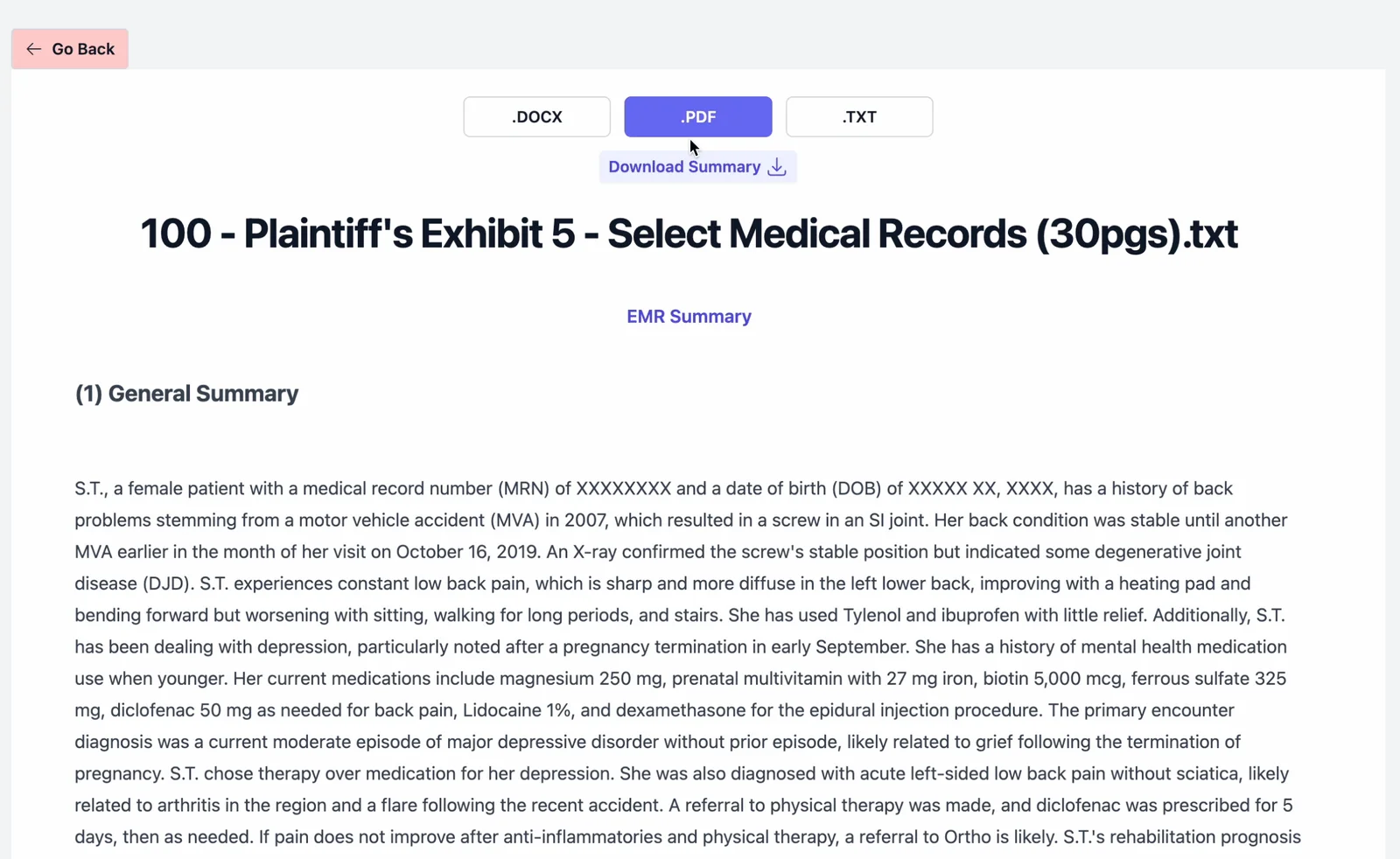
- Encrypted by default: Every upload and output maintains HIPAA-level security.
- No training on your data: Records are never used to improve public models or shared.
- Audit-ready outputs: Page-line citations and logs make every chronology defensible in compliance reviews.
- Ready to use: Upload text, handwriting, or scanned documents, and receive a structured medical chronology in minutes. See how to build a provider timeline in 10 minutes for a hands-on walkthrough.
The Bottom Line
A well-built medical chronology should accelerate litigation preparation, not create compliance headaches. HIPAA is a checklist you can master, and with the right technology, it can run quietly in the background while your team focuses on strategy. For the full preparation process, see our lawyer’s guide to preparing a medical chronology.
Software like Dodon.ai accelerates secure preparation for law firms and IME doctors. Try it free for 7 days → dodon.ai