

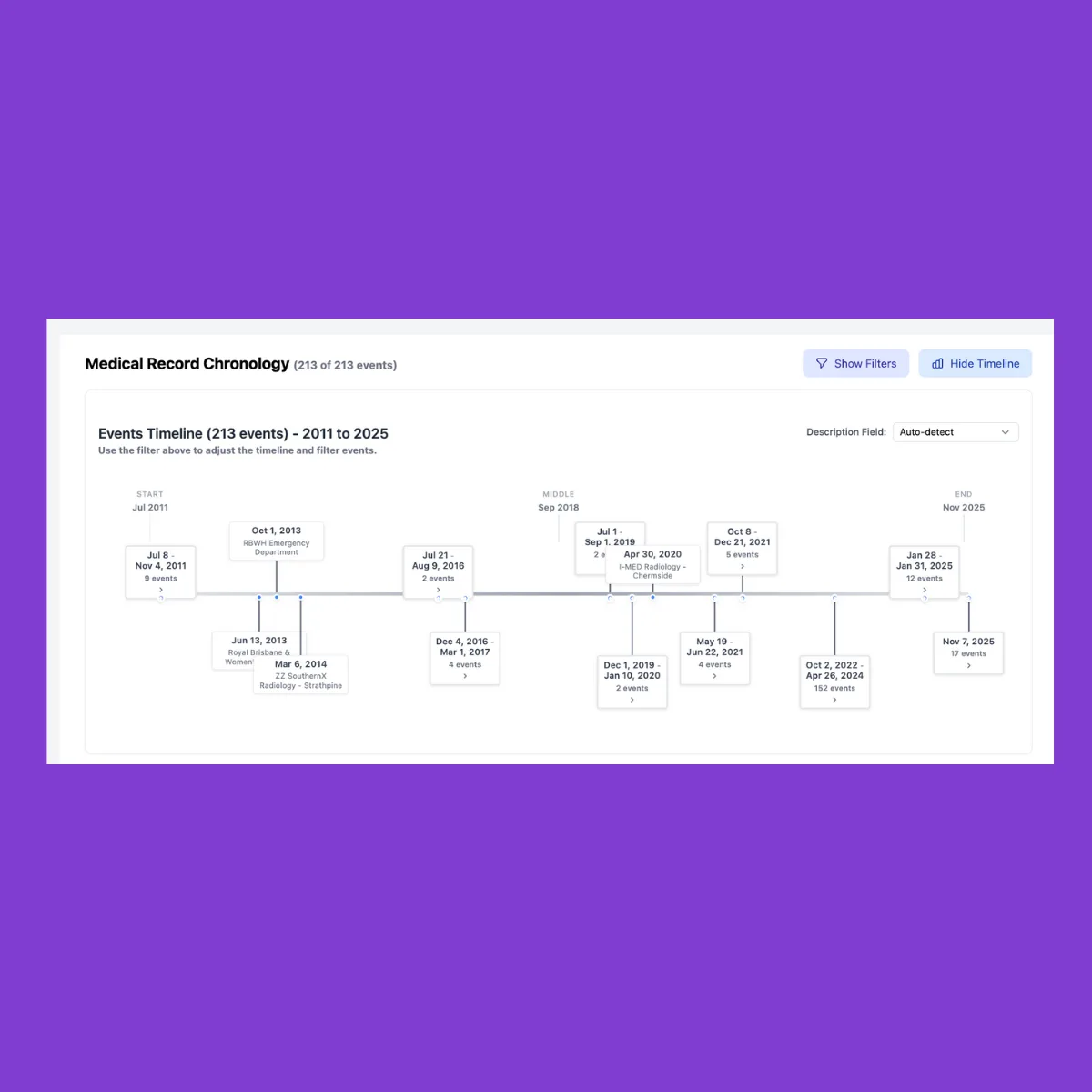
When records arrive as mixed PDFs - scans, portal printouts, imaging notes - building a clean medical chronology fast is the difference between spinning wheels and moving a case forward. A usable timeline, for our purposes, is a concise sequence of dates, providers, diagnoses/treatments, and key events that links back to the exact page you’ll cite later in discovery responses, demand packages, or expert memos. It’s not courtroom evidence - it’s litigation prep you can trust because every entry traces back to the original page.
The fastest path: from upload to timeline you can check in under 10 minutes
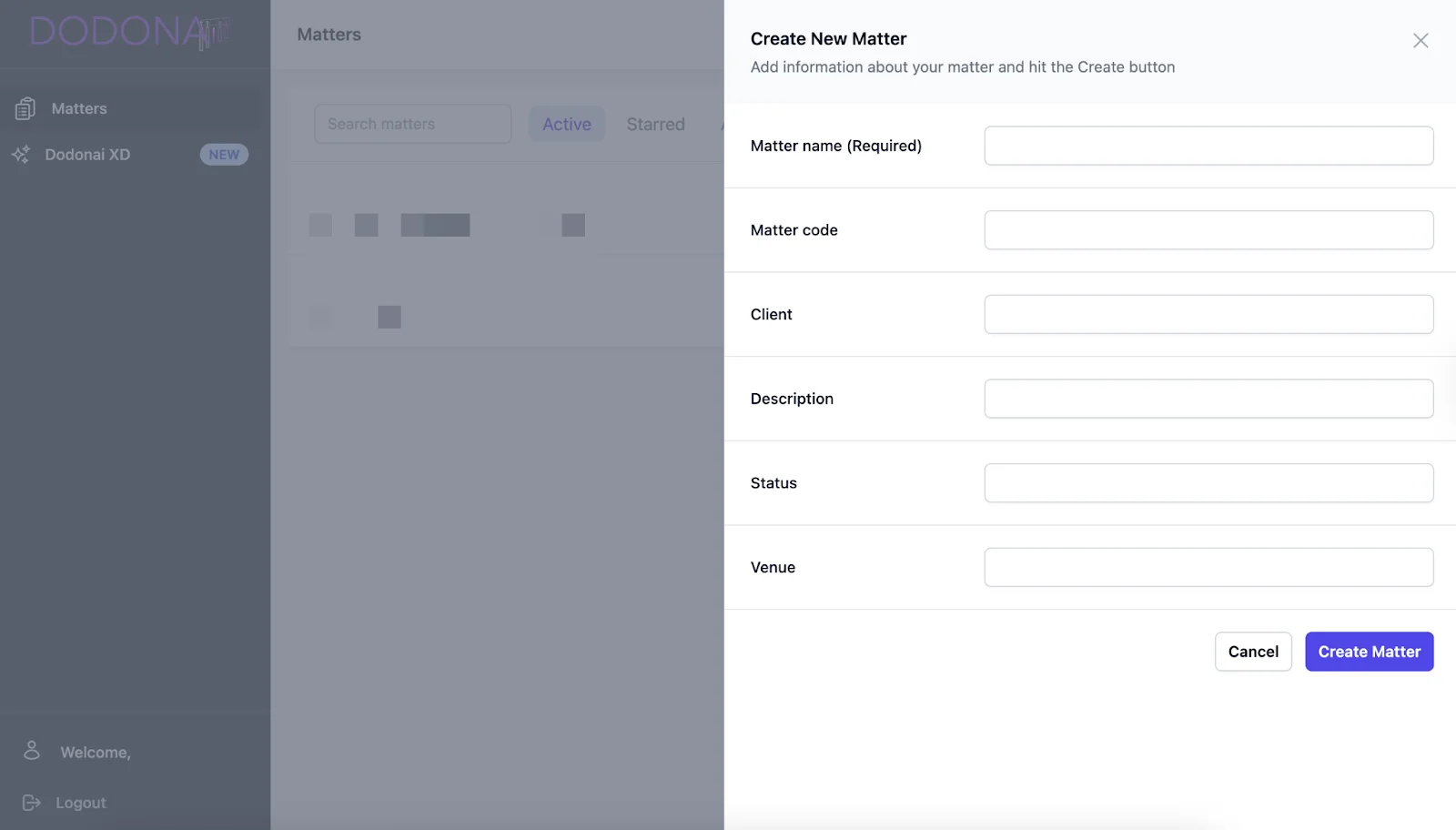
1) Start inside a Matter
Create or open the Matter that holds the records for a single case. Keeping all uploads scoped to the Matter keeps exports and handoffs tidy later.
Insider cue: If the records are still trickling in, tag each batch with the date received and the provider name so you can search by source later.
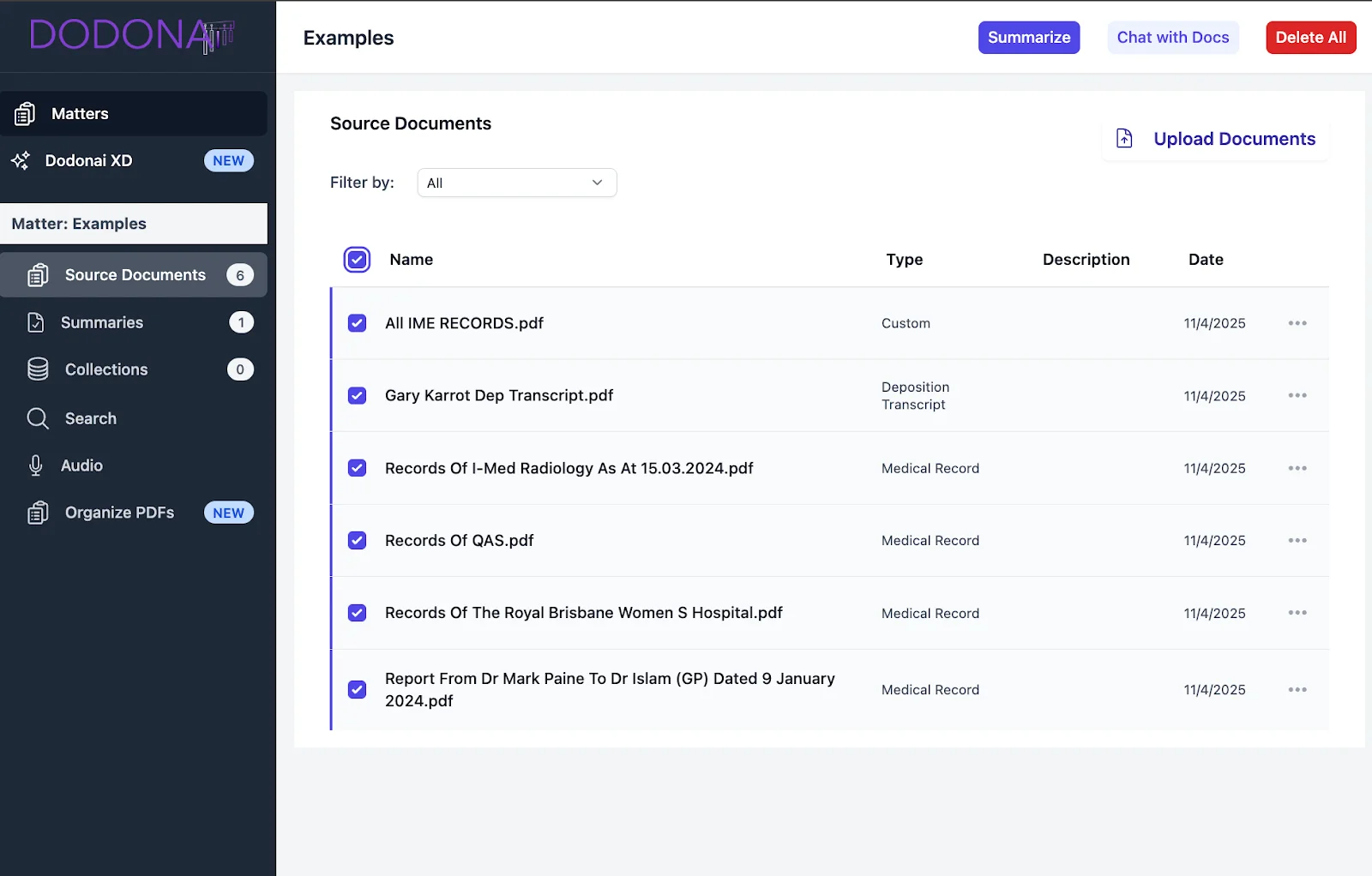
2) Upload the provider PDFs (no reformatting)
Drop in whatever you have: office notes, hospital summaries, lab reports, imaging reads, discharge papers—even messy scans. The software reads text, handwriting, and images out of the box, so you don’t have to re-scan or re-label first.
Tip for cleaner input later: As you skim the first batch, note any other providers referenced (consults, imaging centers). Add them to your records-request list so the next chronology pass doesn’t miss dates or gaps. For more on why this step matters, see why medical records look complete but still miss providers.
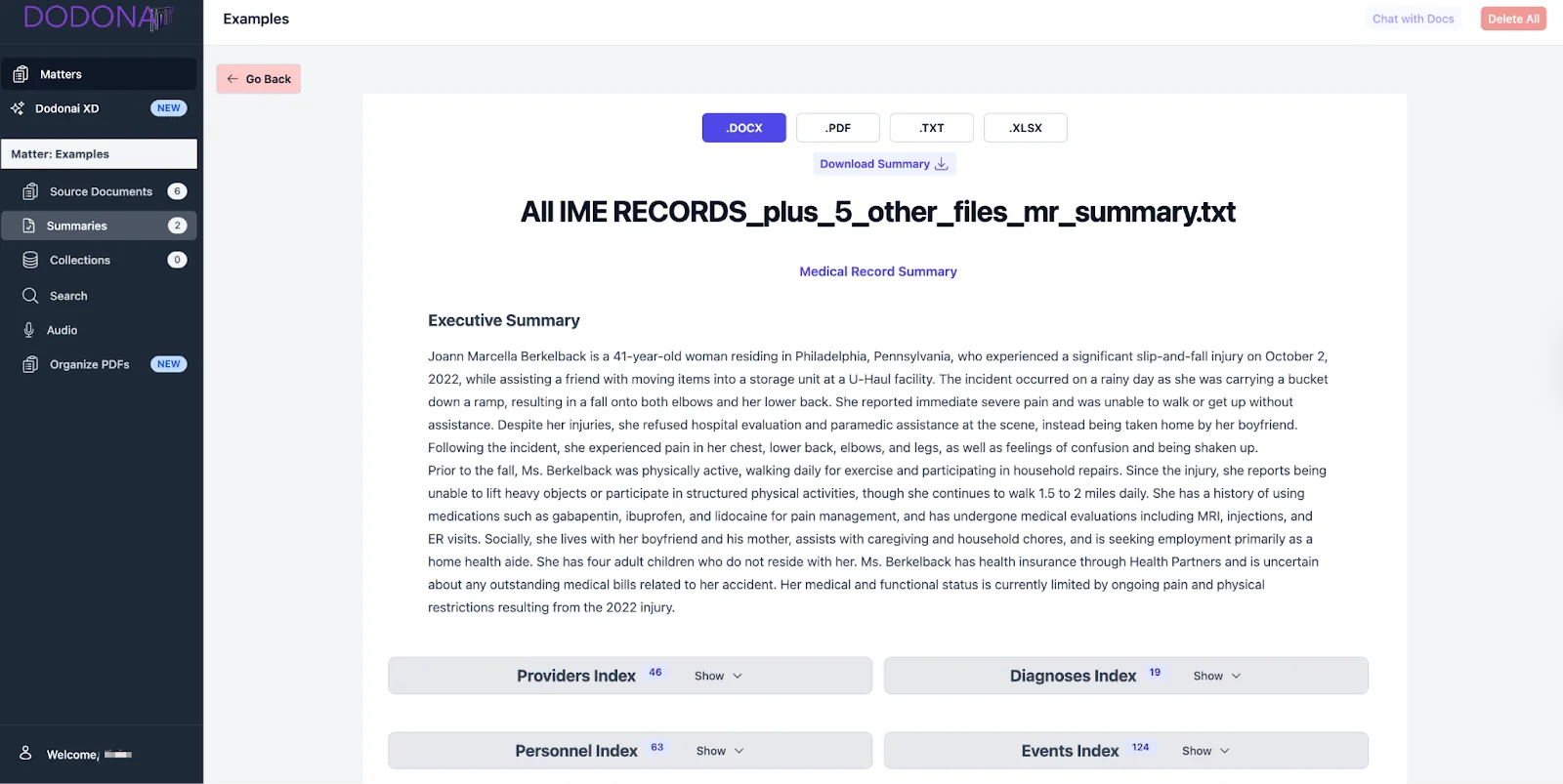
3) Click Summarize → Medical Record
Choose Medical Record as the summary type. Dodon.ai presents a first-pass chronology of visits, procedures, meds, and salient findings—organized by date and provider—so you can assess treatment arcs and gaps quickly.
What to look for now (60–90 seconds):
- Are the date anchors (admission, surgery, discharge) in place?
- Any unexplained gaps in care worth flagging for follow-up requests?
- Do diagnoses and treatments align with the alleged mechanism of injury?
4) Verify on the source page (make it a 60-second reflex)
Click any event to open the cited page. Spot-check the exact line, figure, or date; add a quick tag (e.g., causation, credibility, damages) if it’s important; move on. This tight loop keeps the team confident that every note maps back to the record without retyping long quotes in chat.
Pro move for paralegals: When you see a clinical term that will recur (e.g., radiculopathy), add a short glossary note in your Matter so junior staff and outside experts stay aligned on language.
5) Export and circulate
When your first pass looks solid, export the chronology in your team’s working format:
- DOCX for attorney edits in track-changes
- PDF for adjusters or experts who prefer a fixed layout
- TXT for simple pasting into case notes or templates
Every format retains page-linked citations, so a partner can open an entry and land on the exact page later.
What this solves (vs. doing it by hand)
- Time: Turns hours of sorting and skimming into minutes of review.
- Consistency: Uniform event rows and provider labeling, so different staffers stop inventing new formats.
- Traceability: Every fact ties back to the source page, reducing rework and “where did this come from?” loops.
- Handoff-ready: Clean exports slot into demand packages, defense chronologies, or expert outlines without re-typing. For a more detailed five-step process, see our lawyer’s guide to preparing a medical chronology.
Good chronology habits that compound
- Begin with the Records Request in mind. As you verify entries, capture missing providers or ranges and feed them back into requests.
- Tag with intent. Light labels like causation, mechanism, pre-existing, gap, billing make later searching faster than keyword hunts.
- Keep quotes short. Capture the fact and the page, not paragraphs. Long quotes belong in briefs, not in working chronologies.
- Version lightly. Save “First pass – 2025-11-18” before major edits so attorneys can compare across drafts.
FAQs
Is this “court-ready”? No. Think of it as litigation-prep output with page-linked citations for easy verification and reuse.
Will it work on messy scans? Yes - mixed PDFs are expected; the software reads text, handwriting, and images without special formatting.
Can I filter by provider or issue? Yes; search and filter your chronology to zero in on body systems, providers, or event types before exporting.