
Legal teams lose hours scrolling through deposition transcripts trying to confirm a single detail: a date, a provider name, or a line that matters for damages, causation, or impeachment. The work is repetitive, easy to miss, and rarely billed at full value.
This short walkthrough shows two ways to pull one fact faster; first with standard search, then with “Chat with Documents” inside the Dodon.ai platform. Both methods preserve the core best practice: verify by returning to the cited page.
1. Start with Exact-Word Search (the familiar method)
Most attorneys and paralegals begin with Ctrl+F. It’s effective when:
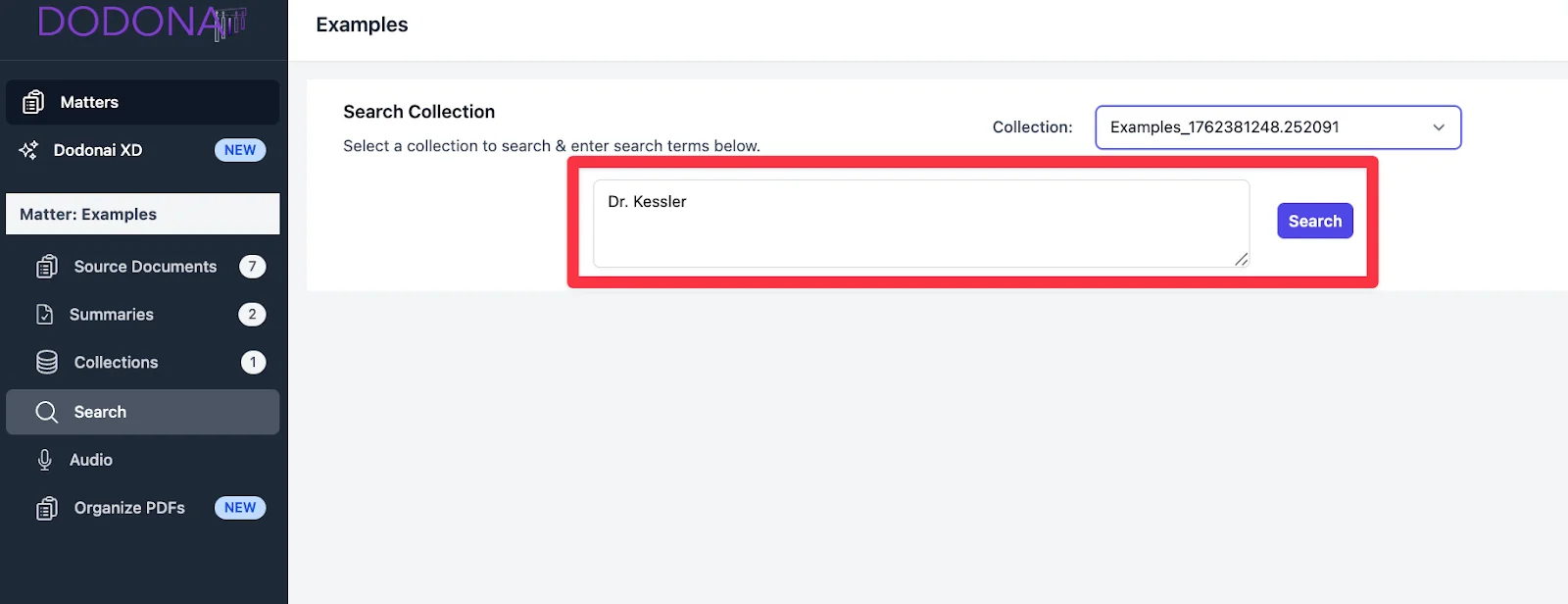
- The name is unique (“Dr. Kessler”)
- A date is formatted consistently
- The witness repeats a term the same way
The constraint is obvious: transcripts rarely stay consistent. A witness might say “the clinic,” “the urgent care,” or “Dr. Kessler’s office” when referring to the same event, so keyword search surfaces partial results only.
With Dodon.ai:
Use the Search Collection feature to jump between hits across your documents, then open the source page in one click for verification. This preserves the expected workflow while cutting navigation time.
2. Switch to “Chat with Documents” for semantic wording
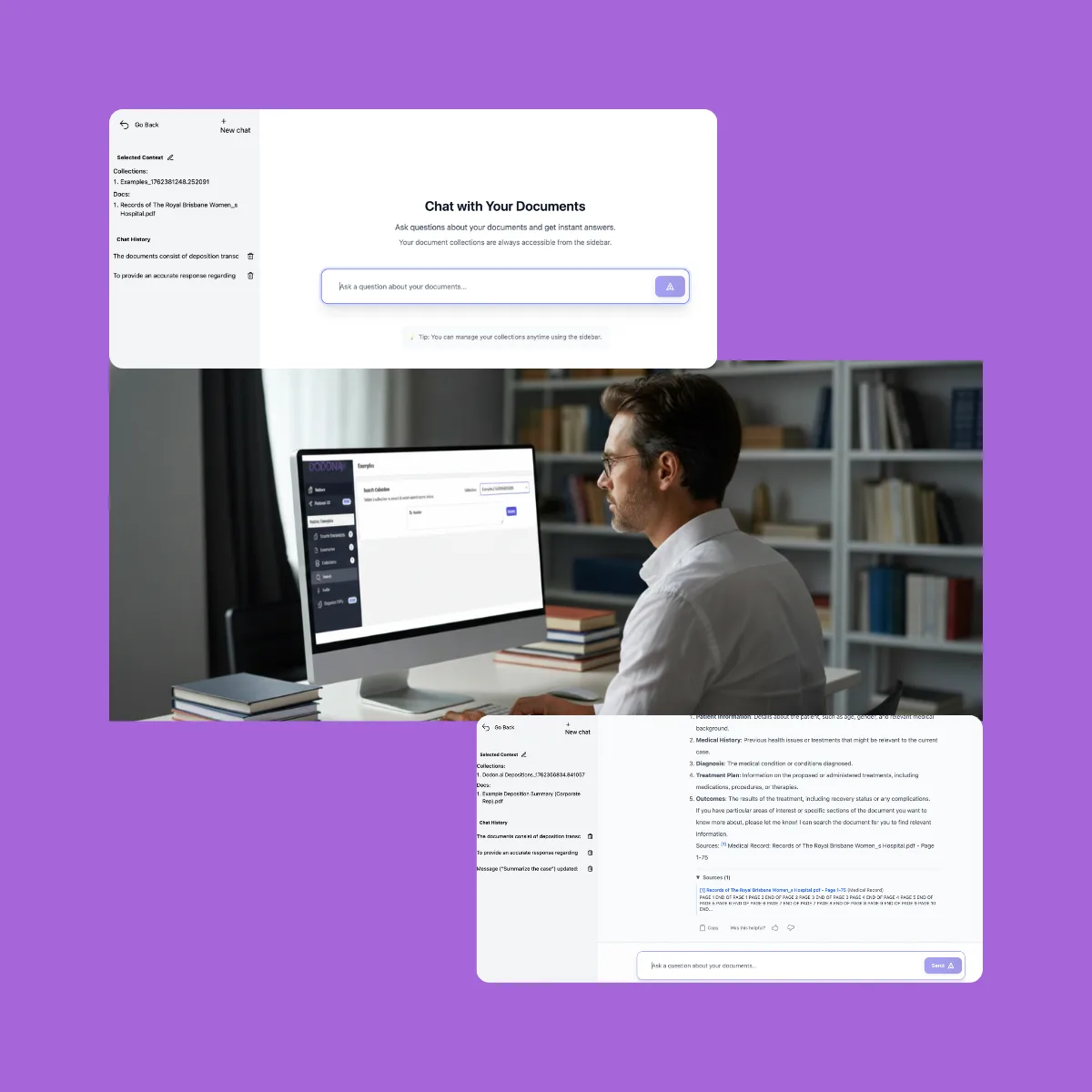
When the phrasing changes, keyword search falls short. Chatting with the transcript—using a Collection built from one or multiple files—helps surface phrasing variants that would otherwise require line-by-line review.
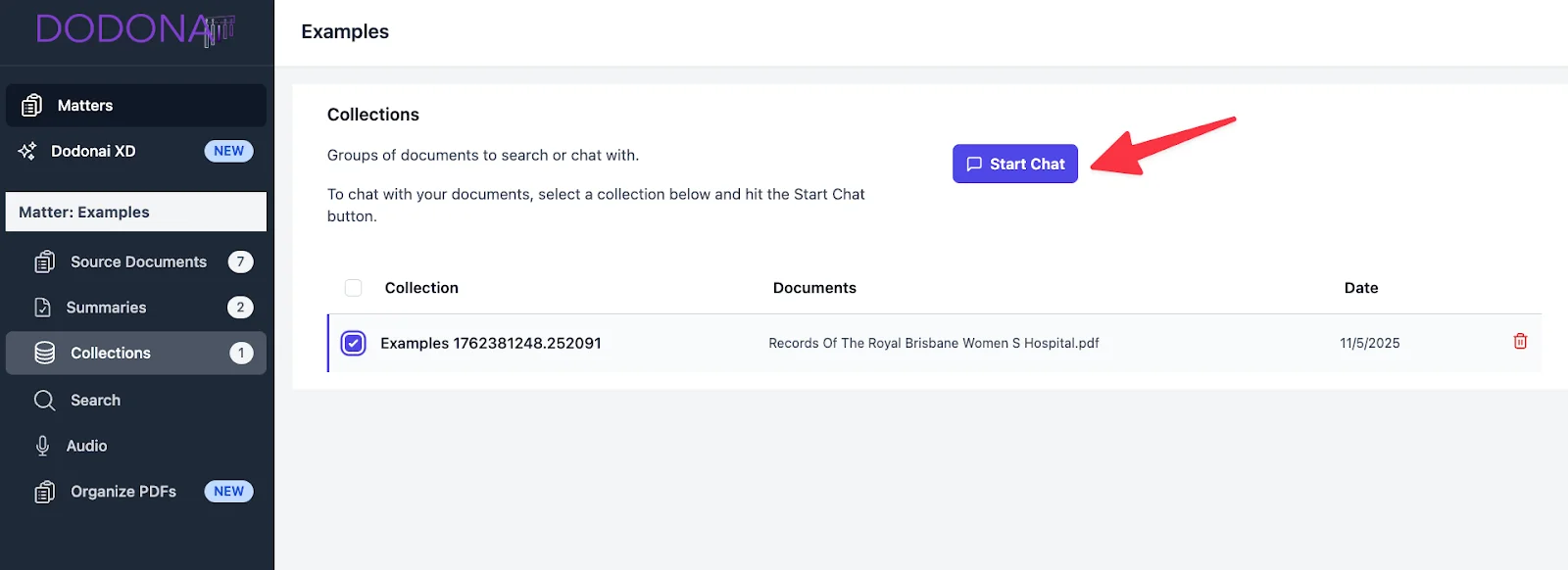
Examples of semantic questions:
- “Where does the witness describe the fall at the stairwell?”
- “Find testimony mentioning the physical therapy referral.”
- “Show where the plaintiff identifies the treating neurologist.”
The technology uses OCR to read text and scanned pages out of the box, then presents the relevant passages with direct links back to the transcript for spot-checking. The AI can even suggest improved query phrasing to help you get more accurate results.
Why this matters:
Semantic chat pulls the right region of testimony even when the keyword isn’t repeated exactly, making it easier to confirm facts tied to liability, damages, or medical causation.
3. Always verify the answer on the source page
Whether you start with search or chat, the defensible step is the same: open the cited page, confirm the line, and anchor your note.
Dodon.ai embeds page-line citations in outputs and lets reviewers jump to the precise source page for verification. Chat responses include numbered citations referencing specific documents and page numbers. This avoids the common risk in fast-moving discovery: relying on a paraphrase without checking how the witness actually said it.
4. When to use each method
Use transcript search when:
- The term is consistent throughout the depo
- You already know the probable page range
- You’re validating a direct quote
Use Chat with Documents when:
- The witness varies their language
- You’re reconstructing the sequence of events
- You’re pulling facts across multiple depositions or exhibits
Most teams end up toggling both methods inside a single workflow—search for precise hits, chat for context.
5. How Dodon.ai accelerates both approaches
Dodon.ai is deposition summary software built specifically for legal and medico-legal work. For depositions, it supports:
- Page-line summaries – structured summaries with page and line references
- Narrative summaries – prose-style synthesis of key testimony
- Search Collection – keyword search across grouped documents
- Chat with Documents – AI-powered Q&A with cited sources
- One-click verification – jump to any cited page instantly
- Multiple export formats – PDF, DOCX, and TXT for discovery and case prep
- Audio transcription – upload recordings (MP3, WAV, and more) for automatic transcription
- OCR processing – automatic text extraction from scanned documents
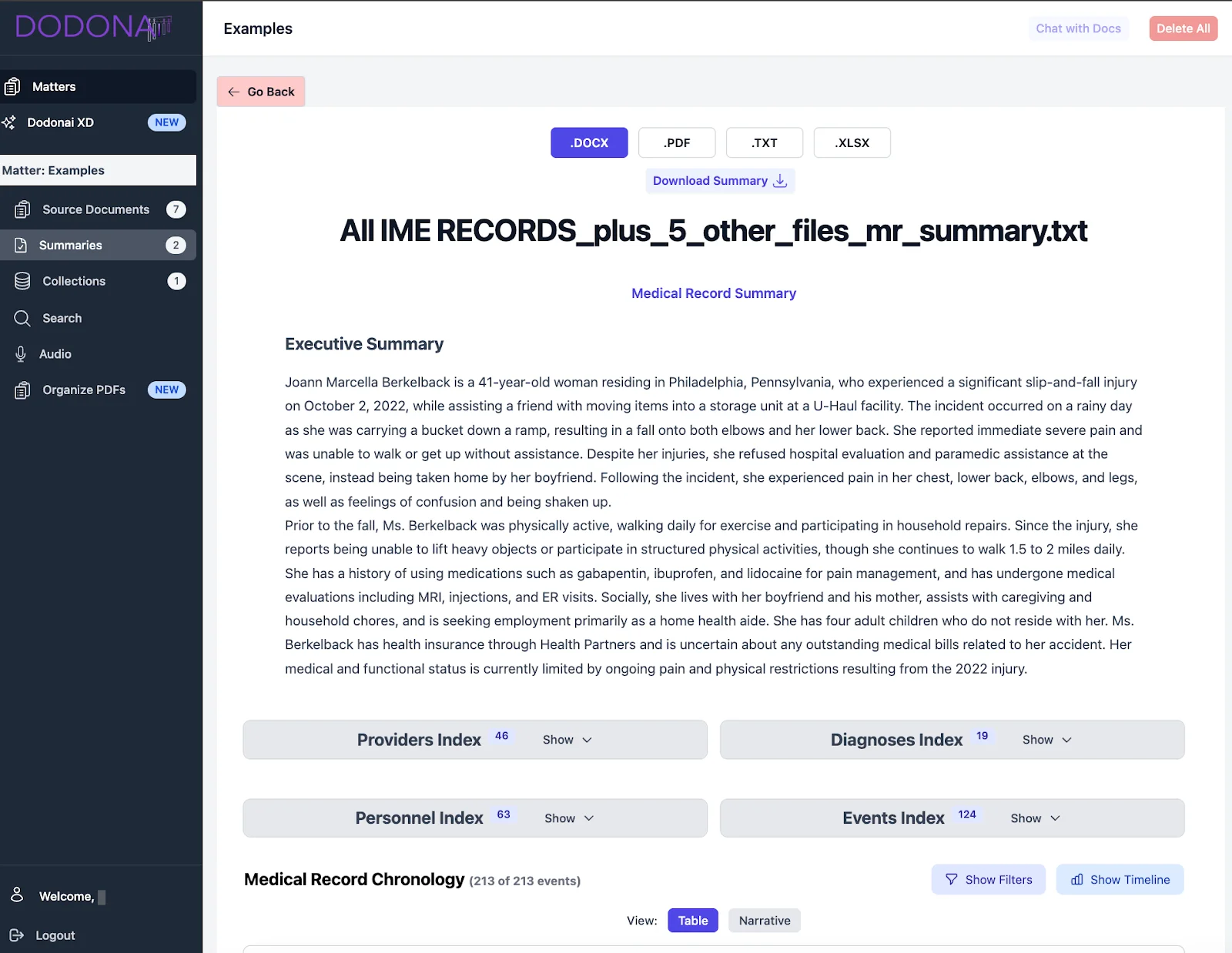
These capabilities help paralegals and associates reduce first-review time while keeping every conclusion tied to the original record. For teams that need to organize testimony by case issues rather than transcript order, see how to build a deposition issue list with cited issues directly from transcripts.
Final word
Finding one fact shouldn’t take 20 minutes of scrolling. Pairing exact-word search with “Chat with Documents” surfaces details faster and keeps your review anchored to the record—an essential safeguard in litigation and medical-legal work.
Try it on one transcript and see how fast you can locate a single fact with verification built in.